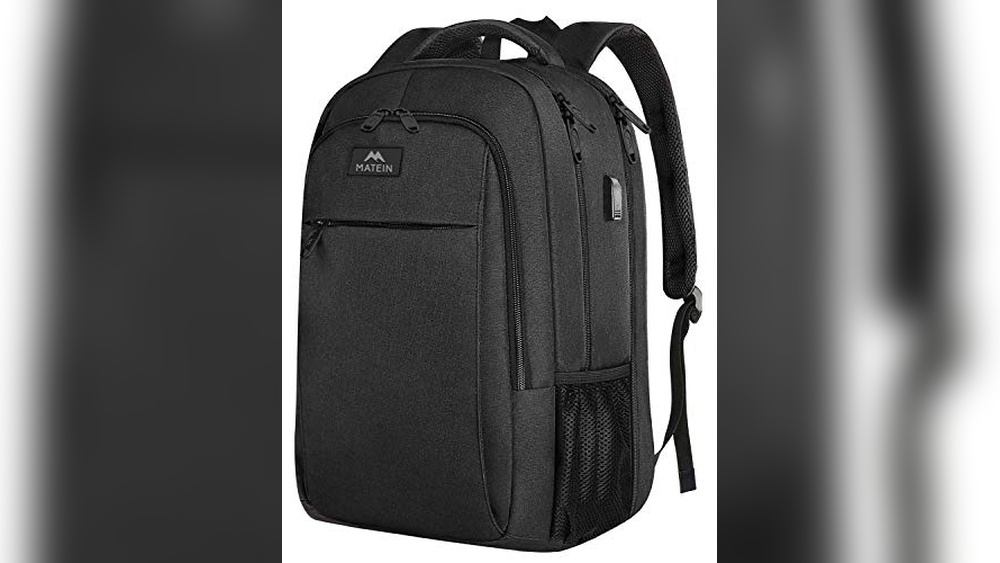
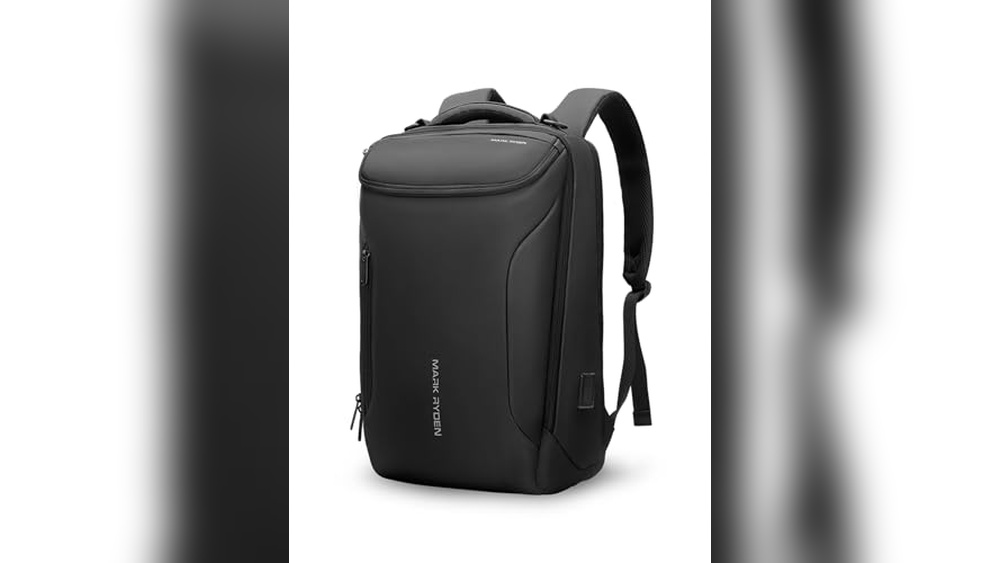
You want to capture every adventure, every twist and turn, hands-free. Attaching a GoPro to your backpack is the perfect way to do that.
But how do you make sure it’s secure, stable, and pointing in the right direction? In this guide, you’ll learn simple, effective steps to mount your GoPro quickly and safely. Whether you’re hiking, biking, or just exploring, you’ll be ready to record your journey from a fresh perspective.
Keep reading to discover easy tips that will make your footage look professional and keep your camera safe.
Choosing The Right Mount
Choosing the right mount is key to attaching a GoPro to your backpack. The mount holds the camera steady and safe. It affects your video quality and ease of use. Picking the best mount depends on your activity and backpack style. Understanding mount types, compatibility, and durability helps make the right choice.
Types Of Gopro Mounts
Several mount types fit backpacks. Chest mounts, shoulder mounts, and strap mounts are popular. Strap mounts attach easily to backpack straps or loops. Clip mounts fasten securely to backpack edges. Some mounts use adhesive pads for flat surfaces. Each mount type offers different angles and stability.
Mount Compatibility With Backpacks
Not all mounts fit every backpack. Check your backpack’s straps, loops, and material. Wide straps need bigger clamps or adjustable mounts. Thin straps work with smaller, lighter mounts. Ensure the mount fits your backpack’s shape and size. A secure fit prevents the camera from shaking or falling.
Material And Durability Considerations
Mounts face rough conditions outdoors. Choose mounts made from tough plastics or metals. Strong materials resist breaking and bending. Weatherproof mounts handle rain, dust, and dirt well. Look for mounts with good locking mechanisms. Durable mounts keep your GoPro safe on all adventures.
Preparing Your Backpack
Preparing your backpack is the first step to attach a GoPro securely. This process helps you find the best spot for the camera. It also ensures the GoPro stays steady during your adventures.
Selecting Attachment Points
Look for strong and flat areas on your backpack. Straps, loops, and padded sections work well. Avoid soft or flexible parts that can bend or move. Choose points that face the scene you want to record. This makes your videos clear and steady.
Clearing Space For The Mount
Remove any loose items near the chosen spot. Clean off dirt or dust to help the mount stick better. Make sure nothing blocks the camera’s view. Creating a clear area prevents bumps and shakes while filming.
Ensuring Stability
Use straps or clips to tighten the mount firmly. Test the mount by shaking the backpack lightly. Adjust until the GoPro does not wobble or slide. A stable mount keeps your footage smooth and professional.
Step-by-step Attachment Guide
Attaching a GoPro to your backpack lets you capture your adventures hands-free. The process is simple with the right mount. This guide breaks down three easy ways to secure your camera. Each method fits different needs and gear types. Follow these steps to get your GoPro ready for action.
Using Clip Mounts
Clip mounts offer a quick and secure way to attach your GoPro. Start by selecting a clip mount designed for backpacks. Open the clip and place it on a sturdy strap or edge of your backpack. Make sure the clip grips firmly and does not slide. Attach the GoPro housing to the clip by clicking it into place. Adjust the angle to capture your desired view. Test the clip’s hold by shaking the backpack gently. Your GoPro is now ready to film your journey.
Using Strap Mounts
Strap mounts use Velcro or buckles to hold the GoPro tight. Wrap the strap mount around a backpack strap or loop. Tighten the strap to prevent any movement. Insert the GoPro into the mount’s frame or clip. Lock the camera securely so it won’t fall out. Aim the camera by tilting it up or down. Double-check the strap’s tightness before heading out. This method is strong for rough trails or fast motion.
Using Adhesive Mounts
Adhesive mounts stick directly to your backpack’s surface. Clean the area where you want to place the mount. Peel the backing off the adhesive and press it firmly on the backpack. Hold it in place for 30 seconds to ensure a strong bond. Attach the GoPro to the mount by snapping it into place. Adjust the camera angle carefully. Adhesive mounts work best on smooth, flat surfaces. Avoid using them on fabric that moves a lot.
Securing Your Gopro
Securing your GoPro properly to your backpack keeps it safe and stable. You want clear footage without worrying about damage or loss. Follow these simple steps to ensure your camera stays in place during any adventure.
Double-checking Mount Tightness
Start by firmly tightening the mount screws. Loose mounts can cause shaky videos or drops. Use your fingers to twist the screws until they feel secure. Give a gentle shake to test if the camera moves. Tighten more if needed but avoid over-tightening, which can strip the threads.
Using Safety Tethers
Attach a safety tether as a backup. This small strap connects your GoPro to the backpack. It stops the camera from falling if the mount fails. Loop the tether through the mount and a strong part of your backpack. Make sure it is snug but not too tight.
Minimizing Movement And Vibration
Place the GoPro where it faces the least movement. The top or side straps often offer good stability. Use foam pads or vibration dampeners under the mount. These reduce shaking and improve video quality. Check the camera angle and adjust to avoid bumps or rubbing.
Testing And Adjusting
Testing and adjusting your GoPro after attaching it to your backpack is important. It ensures the camera captures the right shots and stays secure. Small changes can make big differences in your video quality. Taking time to test movement and angles improves your final footage.
Performing Movement Tests
Start by walking or jogging with your backpack on. Watch the GoPro video to check for shaking or unwanted movement. Make small adjustments to the mount or straps to reduce camera wobble. Repeat the test until the footage looks steady and smooth.
Adjusting Angles For Best Shots
Try different camera angles on your backpack. Tilt the GoPro up, down, or sideways to find the best view. Think about what you want to capture, like your feet, the trail, or the scenery. Adjust the angle and test again until you get the perfect shot.
Troubleshooting Common Issues
If the GoPro moves too much, check the mount tightness and strap placement. Make sure the camera is firmly clipped or glued. Fix any loose parts or replace worn-out mounts. If the video is blurry, clean the lens and check the focus. Test again after each fix to ensure good results.
Maintaining Your Setup
Keeping your GoPro attached to your backpack is not just about the initial setup. Proper care and regular checks ensure your gear stays safe and works well. A well-maintained setup helps you capture every moment without worry.
Regularly Inspecting Mounts
Check all mounts before every trip. Look for cracks, loose screws, or damage. Tighten any loose parts carefully. Replace mounts that show signs of wear. This prevents your GoPro from falling off during action.
Cleaning And Care Tips
Clean your mounts and camera after each use. Use a soft cloth to wipe dirt and dust. Avoid harsh chemicals that can damage the materials. Dry everything completely before storage. Keep your setup ready for the next adventure.
Replacing Worn Components
Over time, parts may wear out or break. Replace worn straps, clips, or mounts quickly. Use original or high-quality parts for safety. Regular replacement keeps your setup strong and reliable. Don’t let old parts cause a failure.
Alternative Mounting Options
Attaching a GoPro to your backpack is just one way to capture your adventures. There are other ways to mount your camera for different views and angles. These alternative mounts offer flexibility and unique perspectives. They help you record hands-free or with better stability.
Chest Mounts
Chest mounts give a lower, more natural view of your activities. They capture your arm movements and the path ahead. This mount stays steady and is great for hiking or biking. It keeps the camera close to your body, reducing shake.
Helmet Mounts
Helmet mounts provide a higher point of view. They show exactly where you look and focus. Perfect for skiing, climbing, or cycling, they offer a first-person perspective. The camera is secure and balanced on your head.
Handheld Gimbals
Handheld gimbals stabilize your GoPro while you move. They reduce shaking and produce smooth videos. Ideal for walking or running shots, gimbals give you control over the camera angle. They also allow creative movements and pans.
Frequently Asked Questions
How Do I Securely Attach A Gopro To A Backpack?
Use a sturdy mount like a chest or clip mount designed for backpacks. Ensure it clicks firmly into place. Test stability by gently shaking the pack before use. This prevents the GoPro from falling during activities.
What Is The Best Spot On A Backpack For Gopro?
The shoulder strap is ideal for mounting your GoPro. It offers a clear forward view and easy access. Avoid spots that obstruct movement or risk damage. Choose a position that captures your adventure smoothly.
Can I Use A Gopro Suction Cup On A Backpack?
Suction cups are not recommended for backpacks as fabric lacks a flat surface. They work best on smooth, hard surfaces. Instead, use clip mounts or adhesive mounts designed for fabric or straps for better stability.
How To Avoid Shaky Footage When Filming From A Backpack?
Use a stabilizing mount or a gimbal attachment for smooth footage. Keep your movements slow and steady. Also, ensure the mount is tightly secured to reduce vibrations during activity.
Conclusion
Attaching a GoPro to your backpack lets you capture every adventure. Choose a sturdy mount for safety and stability. Test your setup before heading out. Keep your camera secure to avoid damage or loss. Enjoy hands-free filming while hiking, biking, or exploring.
Practice different angles to find the best shots. Stay mindful of your surroundings for safety. With the right setup, your GoPro will record amazing moments easily. Get ready to share your journey with clear, steady footage.