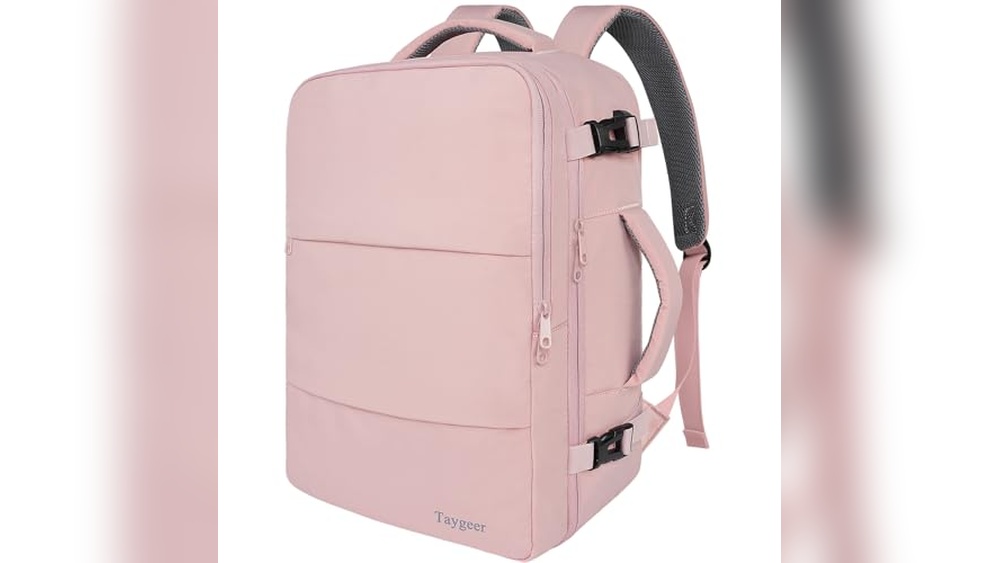
Have you ever wished your backpack could do more than just carry your stuff? Imagine having a built-in USB port right on your bag, letting you charge your phone or tablet on the go without digging through your pack for a power bank.
Sounds convenient, right? But how exactly do USB port backpacks work, and are they really as useful as they seem? You’ll discover the simple technology behind these smart backpacks and learn how they can make your daily life easier. Keep reading to find out if this could be the perfect upgrade for your gear.
What Is A Usb Port Backpack
A USB port backpack is a bag with a built-in USB charging port. It lets you charge devices easily while on the move. You can connect a power bank inside the backpack and charge your phone or tablet outside. This feature is perfect for travelers, students, and daily commuters.
The backpack also keeps your devices safe and organized. It combines convenience and practicality in one design. Let’s explore how these backpacks work and what types you can find.
Basic Design And Features
A USB port backpack usually has a small USB port on the outside. Inside, there is a cable that connects to a power bank pocket. You place your power bank in this pocket to provide power to the external port.
The port is compatible with most USB charging cables. You just plug your device into the port and it starts charging. The backpack also offers padded compartments for laptops and other gadgets.
Many models include water-resistant materials and durable zippers. Some backpacks have extra USB ports or LED indicators. The design focuses on easy access and security for your electronics.
Types Of Usb Backpacks
There are several types of USB port backpacks available. Some are simple, with one USB port and basic compartments. Others have multiple ports and more space for tech gear.
Travel backpacks often include anti-theft features like hidden zippers. School backpacks focus on comfort and organization. Business backpacks may have sleek designs with laptop sleeves.
Each type suits different needs, but all provide the convenience of charging on the go. Choose one based on your lifestyle and device usage.
How Usb Ports Are Integrated
USB port backpacks have a smart design that lets you charge devices easily. The USB ports are built right into the bag. This integration makes charging simple and convenient, especially when traveling or on the go. Understanding how these ports are integrated helps appreciate their usefulness.
Internal Wiring And Connections
Inside the backpack, wires connect the USB port to a power source. These wires are thin but strong. They run through the lining of the bag, hidden from view. The wiring links the external USB port to a special pocket where you keep a power bank. This setup allows you to plug your device into the outside port and charge it without opening the bag.
Power Sources And Charging
The USB port needs a power source to work. Usually, this is a power bank stored inside the backpack. The power bank is not included with the bag and must be added separately. Once connected, it supplies electricity to the USB port. You can charge smartphones, tablets, or other devices by plugging them into the external port. The power flows from the power bank through the internal wires to your device.
Benefits Of Usb Port Backpacks
USB port backpacks offer many useful benefits for daily life. They combine style and function to help carry and charge devices. These backpacks suit students, travelers, and professionals who need power on the move.
Having a backpack with a built-in USB port means you can charge your gadgets easily. It keeps your devices safe and organized. Also, it makes traveling easier by reducing the need for many chargers and cables.
On-the-go Charging
USB port backpacks let you charge devices anytime and anywhere. You connect your power bank inside the backpack. Then, plug your phone or tablet into the external USB port. This setup keeps your devices powered without holding the power bank in hand.
No more searching for power outlets in public places. Your devices stay charged during commutes, walks, or long trips. This feature saves time and stress, especially during busy days.
Device Organization
These backpacks offer smart compartments for gadgets and accessories. Inside, there is space for a power bank, cables, and devices. This keeps everything neat and easy to find. No tangled wires or lost chargers.
Organized storage helps protect your devices from damage. It also makes packing and unpacking faster. You can carry multiple items without clutter.
Travel Convenience
USB port backpacks simplify travel by reducing the need to carry extra items. You only need one backpack for power and storage. This means fewer bags and less hassle.
The external USB port allows charging without opening the backpack. It is useful at airports, buses, or cafes. Your devices stay safe inside while charging outside.
Traveling with a USB backpack improves mobility and comfort. It helps keep your devices ready for use anytime.
Choosing The Right Usb Port Backpack
Choosing the right USB port backpack is important for daily use. The right backpack meets your tech needs and fits your lifestyle. Consider key features before making a choice. These features help ensure convenience and long-term use.
Port Compatibility
Check the types of USB ports on the backpack. Some have USB-A, others USB-C or both. Match the backpack’s ports with your devices. This avoids extra adapters and charging problems. Also, consider the number of ports available. Multiple ports help charge several devices at once.
Battery Capacity
Battery capacity defines how long you can charge devices. Look for backpacks with built-in power banks or space for one. Higher capacity means more charges before recharging the backpack itself. Choose a battery size that fits your daily needs. Small capacity may not power devices fully during travel.
Material And Durability
Material affects the backpack’s weight and durability. Nylon and polyester are common for strength and water resistance. Check for reinforced stitching and strong zippers. These features help the backpack last longer. A durable backpack protects your gadgets from damage and weather.
Setting Up And Using Usb Backpacks
Setting up and using USB port backpacks is simple and practical. These backpacks come with built-in USB ports that allow easy charging of your devices on the go. Understanding how to connect devices, maintain battery health, and follow safety tips will help you get the best use out of your USB backpack.
Connecting Devices
First, locate the USB port on your backpack. It usually connects to a power bank inside the bag. Plug your device’s charging cable into the external USB port. This setup allows charging without opening the backpack. Make sure the power bank inside is charged before use. Use the right cable for your device to avoid damage.
Maintaining Battery Health
Keep your power bank charged between 20% and 80% for longer life. Avoid letting the battery run completely empty. Store the power bank in a cool, dry place inside the backpack. Remove the power bank if you won’t use it for a long time. Check the battery status regularly to ensure it works when needed.
Safety Tips
Do not use damaged cables or power banks. Avoid exposing the backpack to water or extreme heat. Always disconnect devices once fully charged to prevent overheating. Use certified power banks and cables for safety. Regularly inspect the USB port and cables for wear and tear.
Popular Brands And Models
USB port backpacks combine convenience with style. They let you charge devices on the go. Many brands now offer these smart backpacks. Each model has features that suit different needs. Choosing the right brand means balancing quality, design, and price. Here are some popular options to consider.
Top-rated Backpacks
Brands like Samsonite and Nomatic lead the pack. Samsonite offers durable backpacks with built-in USB ports. Their designs focus on comfort and security. Nomatic backpacks are sleek and modern. They include multiple compartments and easy charging access. These backpacks often use high-quality materials. They are perfect for daily commuters and travelers. Users praise their reliability and style. These bags support various devices with fast charging.
Budget-friendly Options
For those on a tight budget, brands like Matein and Tzowla work well. Matein backpacks have strong build quality at a low price. They include USB ports and anti-theft features. Tzowla offers simple, lightweight backpacks with charging ports. These bags suit students and casual users. They provide good value without many extra features. Both brands receive positive reviews for comfort and functionality. Ideal for users who want tech benefits without overspending.
Future Trends In Usb Backpack Tech
USB port backpacks continue to evolve with new technology. These backpacks aim to make charging devices easier and more convenient. The future holds exciting changes that will improve how these backpacks work and what they offer. Let’s explore some key trends shaping the future of USB backpack technology.
Wireless Charging Integration
Wireless charging is becoming more common in daily life. USB backpacks will soon include built-in wireless charging pads. This means you can charge your phone by simply placing it on the backpack. No need for cables or adapters. It will save time and reduce clutter. Wireless charging will also support multiple devices at once. This feature will make backpacks even more user-friendly and practical.
Smart Features And Apps
Smart backpacks will connect to apps on your phone. These apps will help monitor battery levels and manage charging. Users can control when and how devices charge. Some backpacks might include GPS tracking for safety. Alerts will notify you if you leave your backpack behind. Smart features will make USB backpacks more interactive and useful every day.
Frequently Asked Questions
How Does A Usb Port Backpack Charge Devices?
A USB port backpack connects your device to an external power bank inside. It allows convenient charging on the go without removing the power bank.
Can I Use Any Power Bank With A Usb Backpack?
Yes, most USB backpacks support standard power banks. Ensure the power bank fits inside and has compatible USB output ports.
Are Usb Port Backpacks Safe For Electronic Devices?
Yes, they are safe if used properly. Avoid overcharging and use quality power banks to protect your devices.
What Are The Benefits Of Using Usb Port Backpacks?
They offer easy device charging, organized cable management, and hands-free power access during travel or commuting.
Conclusion
USB port backpacks let you charge devices on the go. They have built-in cables inside the bag for easy connection. Just plug your power bank inside and use the outside USB port. This saves time and keeps your gadgets powered without carrying extra wires.
They work well for students, travelers, and busy people. Choosing one depends on your charging needs and bag size. USB backpacks make staying charged simple and convenient. A smart choice for daily use and travel alike.